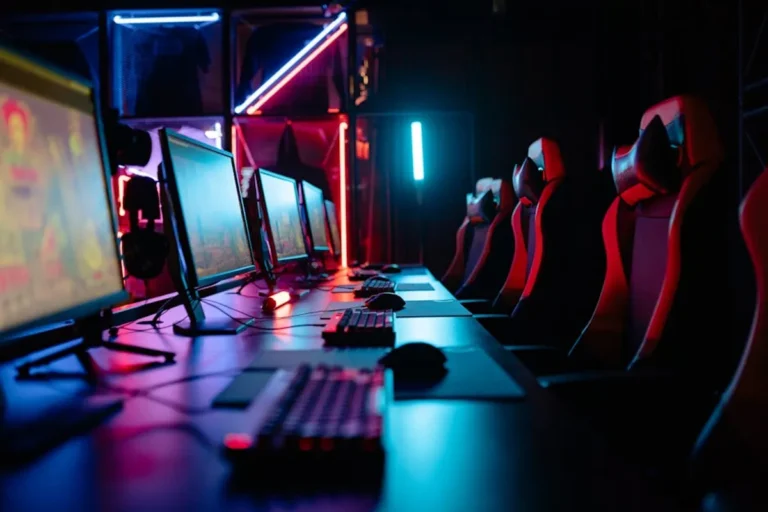
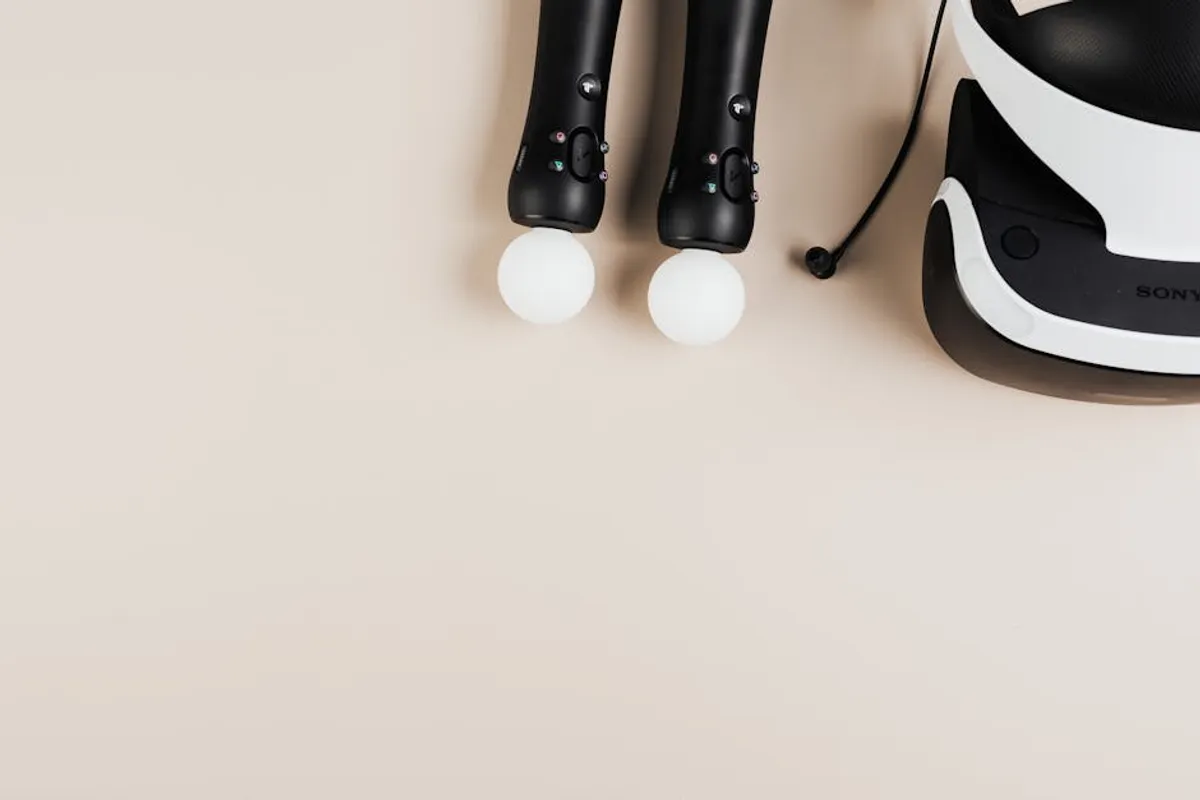
For casual gamers, the pursuit of an optimal setup balances enjoyment with practicality. Unlike competitive players who demand peak performance from every component, casual players prioritize comfort, ease of use, and value. The right accessories enhance immersion and reduce frustration without requiring a significant financial outlay or a steep learning curve. This guide focuses on peripherals that deliver a noticeable upgrade to the gaming experience, ensuring sessions are more comfortable and engaging, whether you're exploring open worlds, enjoying indie titles, or unwinding with friends.
What to Look For in Casual Gaming Accessories
Selecting gaming accessories for casual play involves prioritizing a few key attributes over raw specifications. Comfort is paramount; extended play sessions become tedious if your headset pinches or your mouse causes strain. Ergonomics in controllers and chairs directly impact long-term enjoyment. Ease of use is another critical factor; complex software or intricate button layouts can detract from a relaxed gaming experience. Look for plug-and-play functionality and intuitive controls. Durability ensures your investment lasts, as casual use still benefits from robust construction. Finally, value for money is essential. The goal is to find accessories that offer a significant improvement over basic options without venturing into the premium, performance-driven price points reserved for professional use.
1. Logitech G203 LIGHTSYNC Mouse
The Logitech G203 LIGHTSYNC stands out as an accessible gaming mouse that doesn't compromise on core functionality. Its classic, ambidextrous shape fits a wide range of hand sizes, offering comfortable use for hours. Equipped with a gaming-grade sensor capable of up to 8,000 DPI, it provides precise tracking for various game genres without the need for extreme sensitivity. The six programmable buttons allow for basic customization, while the LIGHTSYNC RGB lighting adds a touch of personalization without being overly distracting. This mouse delivers a reliable and responsive experience, making it a solid upgrade from standard office peripherals.
Best for: PC gamers seeking a reliable, comfortable, and affordable wired mouse for all game types.
Pros:
- Comfortable, classic design suitable for various grip styles.
- Responsive gaming-grade sensor provides accurate tracking.
- Customizable RGB lighting and programmable buttons via Logitech G HUB.
- Excellent value for its feature set and build quality.
Cons:
- Wired connection may not appeal to users preferring wireless freedom.
- Plastic construction, while durable, lacks the premium feel of higher-end models.
Verdict: An outstanding entry-level gaming mouse that provides consistent performance and comfort without unnecessary complexity or cost.
2. HyperX Cloud Stinger Core Headset
The HyperX Cloud Stinger Core headset is designed for casual players who prioritize comfort and clear audio without a hefty price tag. Its lightweight construction and adjustable steel sliders ensure a comfortable fit for extended periods. The 40mm directional drivers deliver clear sound, making in-game audio distinct, while the noise-cancelling microphone provides clear voice communication for multiplayer sessions. Available in both wired and wireless variants, the wired version offers universal compatibility across PCs, consoles, and mobile devices via a single 3.5mm jack, simplifying setup.
Best for: Players needing a comfortable, budget-friendly headset with reliable audio and microphone performance for multi-platform use.
Pros:
- Extremely lightweight design and soft earcups ensure comfort during long sessions.
- Clear audio reproduction for both game sounds and voice chat.
- Flexible, swivel-to-mute noise-cancelling microphone.
- Plug-and-play simplicity with broad compatibility.
Cons:
- Audio quality, while clear, lacks the depth of more expensive headsets.
- Build materials are predominantly plastic, reflecting its budget-friendly positioning.
Verdict: A practical and comfortable headset that delivers essential gaming audio and communication capabilities without overspending.
3. Redragon K552 Mechanical Keyboard
The Redragon K552 is a compact, tenkeyless (TKL) mechanical keyboard that offers a tactile and responsive typing experience at an entry-level price. It features Outemu Red switches, providing a linear feel with a light actuation force, suitable for both typing and gaming. The TKL layout saves desk space, making it ideal for smaller setups. Its durable metal and ABS construction, along with spill-proof design, contribute to longevity. Red backlighting provides visibility in low-light conditions without being overly distracting, and its anti-ghosting keys ensure every command registers accurately.
Best for: PC gamers seeking an affordable, durable, and space-saving mechanical keyboard with a satisfying key feel.
Pros:
- Genuine mechanical switches offer a superior typing and gaming experience over membrane keyboards.
- Compact TKL design saves valuable desk space.
- Robust construction with a metal plate for durability.
- Affordable entry point into mechanical keyboards.
Cons:
- Loud key presses due to mechanical switches may not suit all environments.
- Red backlighting is static and lacks full RGB customization.
Verdict: An excellent value proposition for casual players looking to upgrade to a mechanical keyboard without a significant investment, offering solid performance and build quality.
4. Xbox Wireless Controller
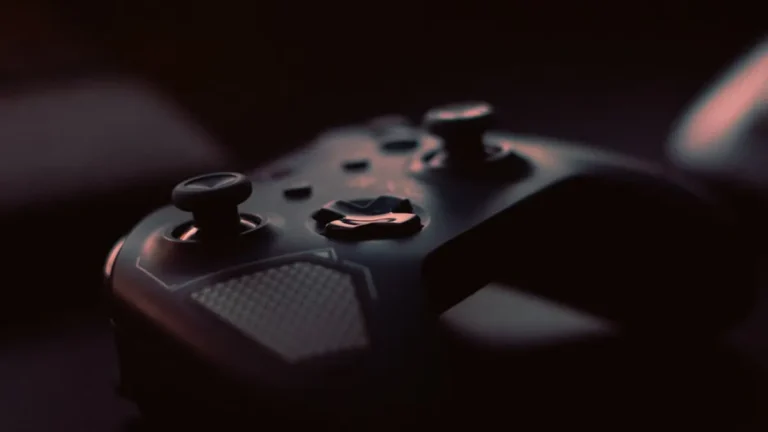
The latest Xbox Wireless Controller remains a benchmark for ergonomic design and universal compatibility. Its refined contours and textured grips ensure comfortable handling for hours, reducing hand fatigue. With seamless Bluetooth connectivity, it pairs easily with PCs, mobile devices, and of course, Xbox consoles. The responsive D-pad and triggers, along with haptic feedback, provide immersive control in a wide variety of games. Its widespread adoption means virtually all PC games with controller support are optimized for its layout, offering a consistent experience.
Best for: Players who prefer a traditional gamepad for PC or console gaming, valuing comfort, reliability, and broad compatibility.
Pros:
- Industry-leading ergonomic design for comfortable, extended play.
- Broad compatibility with PC, mobile, and Xbox platforms via Bluetooth.
- Precise and responsive input with satisfying haptic feedback.
- Widely supported by games, ensuring a plug-and-play experience.
Cons:
- Still uses AA batteries by default, requiring separate rechargeable pack or frequent replacements.
- No advanced features like adaptive triggers or haptic feedback found in some competitor controllers.
Verdict: The standard for console and PC gamepad gaming, offering unparalleled comfort and reliability for casual players across platforms.
5. AOC 24G2 Monitor
The AOC 24G2 is a highly regarded 24-inch IPS gaming monitor that offers an exceptional balance of features for its price point. Its 1080p resolution provides crisp visuals on a compact screen, while the 144Hz refresh rate and 1ms Moving Picture Response Time (MPRT) deliver smooth, fluid motion, a significant upgrade from standard 60Hz displays. The IPS panel ensures vibrant colors and wide viewing angles, enhancing visual immersion. FreeSync Premium compatibility helps eliminate screen tearing, providing a smoother experience in fast-paced games. Its adjustable stand allows for ergonomic positioning, a crucial detail for comfort.
Best for: PC gamers seeking a high-refresh-rate monitor with excellent color accuracy and an adjustable stand without breaking the bank.
Pros:
- 144Hz refresh rate and 1ms MPRT for smooth, responsive gameplay.
- IPS panel offers vibrant colors and wide viewing angles.
- FreeSync Premium ensures tear-free gaming.
- Ergonomic stand with height, tilt, swivel, and pivot adjustments.
Cons:
- 1080p resolution might feel less sharp compared to 1440p on larger screens.
- Built-in speakers are basic and not suitable for primary audio.
Verdict: An outstanding value monitor that brings high-refresh-rate gaming and excellent visual quality to the casual player, significantly enhancing the visual experience.
6. SteelSeries QcK Mouse Pad
The SteelSeries QcK mouse pad is a perennial favorite among gamers for its consistent surface and durable construction. Made from high-quality cloth with a non-slip rubber base, it provides a smooth, predictable glide for optical and laser mice. Its optimized surface texture ensures precise tracking, crucial for accurate movements in any game. Available in various sizes, the medium or large options offer ample space for casual play without dominating the desk. The stitched edges on some models prevent fraying, extending its lifespan.
Best for: Any PC gamer looking for a reliable, durable, and affordable mouse pad that provides consistent tracking and comfort.
Pros:
- Smooth, consistent surface optimized for precise mouse tracking.
- Non-slip rubber base keeps the pad firmly in place.
- Durable construction designed for longevity.
- Available in multiple sizes to fit different desk setups.
Cons:
- Cloth surface requires occasional cleaning to maintain optimal glide.
- Lacks advanced features like RGB lighting or wireless charging.
Verdict: A fundamental accessory that improves mouse precision and comfort, offering excellent performance and durability at an accessible price point.
7. Logitech C920s HD Pro Webcam
While not strictly a "gaming" accessory, the Logitech C920s HD Pro Webcam is an invaluable tool for casual players who engage in multiplayer games with friends, participate in online communities, or occasionally stream. It delivers sharp 1080p video at 30 frames per second, ensuring clear visuals for video calls or basic content creation. The integrated dual microphones capture clear audio, and the automatic light correction adapts to various lighting conditions. Its included privacy shutter is a practical addition, offering peace of mind when the camera is not in use.
Best for: Casual gamers who want to communicate visually with friends, stream occasionally, or participate in online meetings with reliable video quality.
Pros:
- Crisp 1080p video quality for clear visuals.
- Reliable autofocus and automatic light correction.
- Integrated dual microphones capture clear stereo audio.
- Physical privacy shutter adds security and convenience.
Cons:
- Fixed 30fps might not be ideal for very fast-paced streaming.
- Lacks advanced features like background replacement or higher frame rates found in dedicated streaming cameras.
Verdict: An essential peripheral for casual online interaction, providing excellent video and audio quality for calls, chats, and introductory streaming without overcomplication.
8. Creative Pebble 2.0 Speakers
The Creative Pebble 2.0 speakers offer a remarkably clean and robust audio experience for their compact size and low price. Inspired by the Japanese zen rock garden, their spherical design is aesthetically pleasing and functional, directing sound upwards for an immersive personal listening experience. Powered conveniently via USB, they eliminate the need for a wall adapter, simplifying desk cable management. With a 3.5mm audio input, they connect easily to any PC, laptop, or mobile device. These speakers are a significant upgrade from integrated monitor or laptop speakers, providing richer sound for games, music, and videos.
Best for: Casual gamers who prefer external speakers over a headset for certain game types or general media consumption, valuing compact design and clear sound.
Pros:
- Impressive sound quality and volume for their compact size and price.
- Stylish, space-saving spherical design.
- Convenient USB power eliminates the need for an external power brick.
- Simple plug-and-play setup with a standard 3.5mm audio jack.
Cons:
- Lack deep bass response compared to systems with a dedicated subwoofer.
- Wired connection may limit placement flexibility.
Verdict: An excellent choice for casual players seeking a significant audio upgrade for their desktop, offering clear, room-filling sound from a minimalist footprint.
9. Razer DeathAdder Essential Mouse
The Razer DeathAdder Essential carries the legacy of one of the most iconic gaming mice, offering a streamlined experience focused on core performance. Its right-handed ergonomic design is renowned for comfort, supporting palm and claw grip styles. Equipped with a 6,400 DPI optical sensor, it provides precise and reliable tracking for various gaming scenarios. The five programmable Hyperesponse buttons are durable, rated for 10 million clicks, ensuring longevity. While it lacks the advanced features and RGB of its more expensive siblings, the Essential delivers a consistent, high-performance experience where it counts.
Best for: Right-handed PC gamers prioritizing ergonomic comfort and reliable tracking in a no-frills, durable wired mouse.
Pros:
- Proven ergonomic design ensures superior comfort for right-handed users.
- Reliable 6,400 DPI optical sensor for accurate tracking.
- Durable build quality with long-lasting mechanical switches.
- Affordable entry point into Razer's ecosystem.
Cons:
- Wired connection only, no wireless option.
- Limited customization options compared to premium Razer mice.
Verdict: A superb choice for casual players who value comfort and precision above all else, delivering a consistent and dependable gaming experience.
10. HyperX Alloy Origins Core Keyboard (TKL)
The HyperX Alloy Origins Core is a premium-feeling tenkeyless mechanical keyboard that offers a refined gaming experience without the full-size footprint. It features HyperX's custom mechanical switches, available in Red (linear), Aqua (tactile), and Blue (clicky) variants, providing a choice for different preferences. The aircraft-grade aluminum body ensures exceptional durability and a satisfying heft. Full RGB backlighting is customizable per-key via HyperX NGENUITY software, allowing for personalized aesthetics. Its detachable USB-C cable enhances portability and simplifies cable management.
Best for: Casual players seeking a durable, high-quality TKL mechanical keyboard with customizable RGB and a choice of switch types.
Pros:
- Robust aircraft-grade aluminum frame provides excellent durability.
- HyperX's custom mechanical switches offer various tactile experiences.
- Vibrant per-key RGB lighting with extensive customization.
- Detachable USB-C cable for easy transport and setup.
Cons:
- Higher price point than entry-level mechanical keyboards.
- NGENUITY software can be resource-intensive for some users.
Verdict: A top-tier TKL mechanical keyboard that provides a premium build and customizable experience, offering a significant upgrade for serious casual gamers.
11. GTRacing Pro Series Gaming Chair
The GTRacing Pro Series gaming chair offers an ergonomic design with a racing-style aesthetic, providing crucial support for extended gaming sessions. It features a strong metal frame, high-density foam padding, and a durable PU leather covering. Adjustable components include armrests, seat height, and a recline function up to 170 degrees, allowing users to find their optimal position for comfort or even a quick rest. Lumbar and headrest pillows are included to provide additional support, mitigating common aches associated with prolonged sitting. This chair aims to deliver a balance of comfort, style, and affordability.
Best for: Casual gamers looking for a dedicated gaming chair that provides ergonomic support and adjustability without the premium price of high-end brands.
Pros:
- Ergonomic design with adjustable lumbar and headrest pillows.
- High degree of adjustability including recline and armrest height.
- Durable construction with a metal frame and PU leather.
- More affordable than many premium gaming chairs.
Cons:
- Racing-style aesthetic may not appeal to all users or blend with all office decors.
- PU leather can become warm during long sessions.
Verdict: A practical choice for enhancing seating comfort during gaming, offering crucial ergonomic features and adjustability at a competitive price point.
12. 8BitDo Ultimate Wireless Controller
The 8BitDo Ultimate Wireless Controller is a versatile gamepad designed for multi-platform casual gaming, excelling in its compatibility and customization. It connects via 2.4G wireless for low-latency PC and Switch play, and via Bluetooth for broader PC, Android, and iOS compatibility. Its ergonomic design is comfortable for various hand sizes, and the hall effect joysticks minimize drift, ensuring long-term precision. Two back buttons are programmable, and the Ultimate Software allows for extensive remapping, macro creation, and sensitivity adjustments, catering to individual preferences. The included charging dock is a convenient addition, keeping the controller powered and tidy.
Best for: Casual players who game across multiple platforms (PC, Switch, mobile) and value customization, ergonomic comfort, and a convenient charging solution.
Pros:
- Exceptional multi-platform compatibility (PC, Switch, Android, iOS).
- Hall effect joysticks for enhanced durability and drift prevention.
- Extensive customization via 8BitDo Ultimate Software.
- Included charging dock provides convenience and a tidy setup.
Cons:
- Lacks advanced haptic feedback found in some first-party controllers.
- May require occasional firmware updates for optimal compatibility.
Verdict: An outstanding third-party controller that offers premium features, broad compatibility, and excellent ergonomics, making it a versatile choice for the casual multi-platform gamer.
Choosing the Right Accessories: Measuring Your Needs
Identifying the "best" accessory ultimately depends on your individual gaming habits and preferences. Consider the types of games you play most frequently: a comfortable controller is paramount for adventure games, while a precise mouse and responsive keyboard are crucial for strategy or simulation titles. Evaluate your existing setup for pain points; if you experience wrist strain, an ergonomic mouse or keyboard might be a priority. If in-game communication is often unclear, a dedicated gaming headset is a worthwhile investment. Budget considerations are also key; prioritize upgrades that offer the most significant impact on your enjoyment for the price. Start with one or two key peripherals that address your most pressing needs, then gradually expand your setup as desired, focusing on comfort, functionality, and overall value.
Frequently Asked Questions
Q: Do I really need "gaming" accessories for casual play?
A: While not strictly necessary, gaming-specific accessories often provide enhanced comfort, precision, and durability compared to standard office peripherals. This can significantly improve your overall enjoyment and reduce fatigue during longer sessions.
Q: What's the most important accessory for a casual PC gamer to upgrade first?
A: For PC gamers, a good gaming mouse and a comfortable headset often provide the most immediate and noticeable improvements to the experience. A responsive mouse enhances control, while a clear headset improves immersion and communication.
Q: Are wireless accessories good enough for casual gaming?
A: Absolutely. Modern wireless technology has advanced significantly, offering low-latency connections that are indistinguishable from wired for casual play. Wireless accessories provide greater freedom of movement and reduce cable clutter, enhancing comfort.
Q: How much should a casual gamer expect to spend on a full setup?
A: A decent casual gaming setup, including a mouse, keyboard, headset, and controller, can range from $150 to $300, depending on the specific models chosen. Adding a monitor or chair will increase the total, but individual components can be upgraded over time.
Q: Is a gaming chair worth it for casual players?
A: For players who spend several hours gaming at a time, a gaming chair or a high-quality ergonomic office chair is a worthwhile investment. It provides better support and adjustability than standard chairs, reducing discomfort and promoting better posture.